Tracking a package makes it easier to know where a shipment is and what to expect during the delivery process. Whether you are sending a personal package or managing customer orders for an online business, tracking can provide useful information from the moment the courier collects the package until it reaches the recipient.
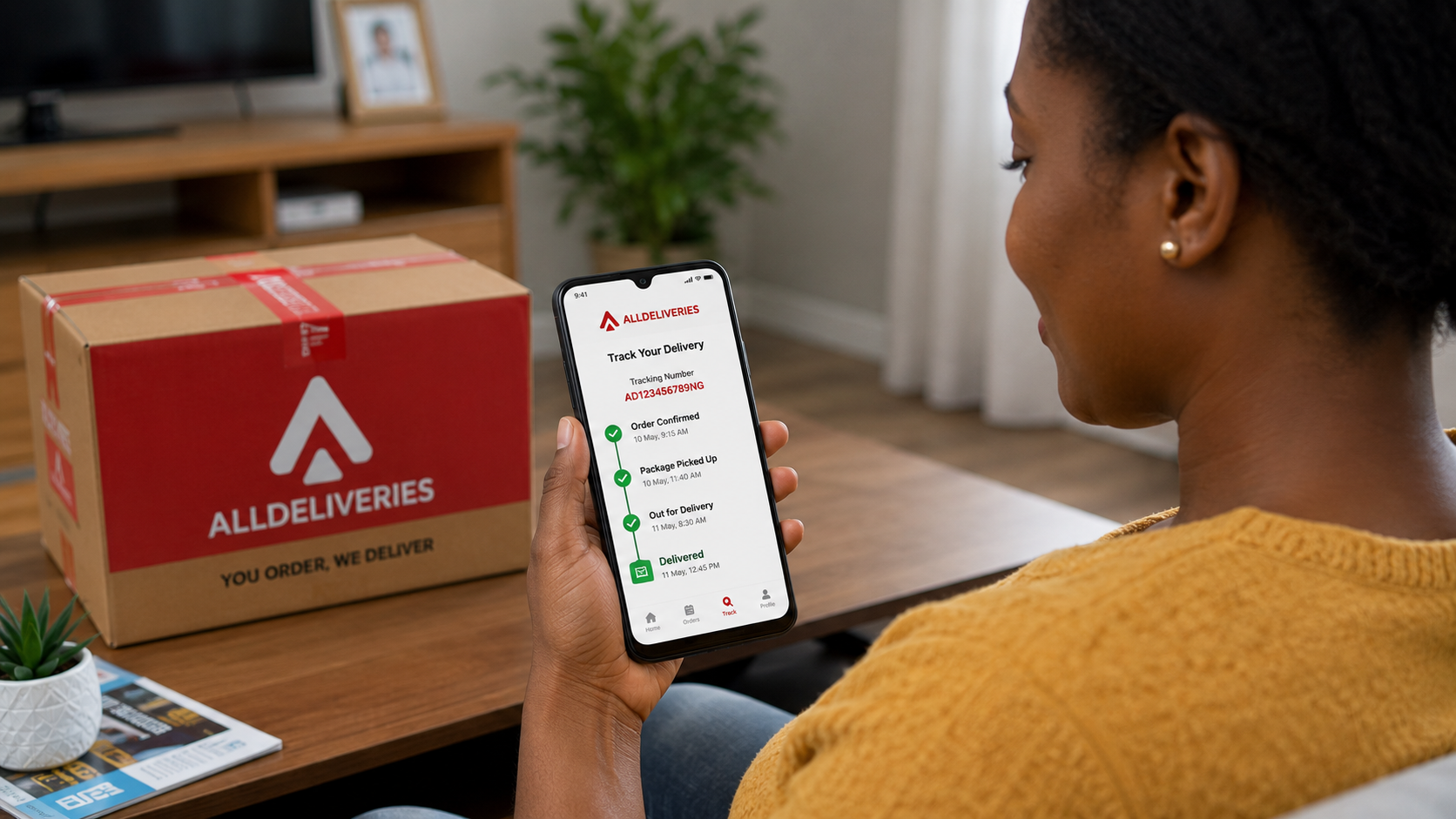
For senders and customers in Nigeria, tracking is particularly useful when a package is traveling between different cities or states. It can help identify delays, confirm delivery progress, and provide useful information when contacting the delivery provider.
Although tracking systems differ between delivery companies, the basic process is usually straightforward.
Services You May Like
1. Choose a Delivery Service With Tracking
The first step is to use a delivery provider that offers shipment tracking.
Before booking a delivery, check whether the service provides:
- A tracking number.
- Online tracking.
- Delivery status updates.
- Pickup confirmation.
- Delivery confirmation.
- Customer support.
Tracking availability may differ depending on the delivery service and the type of shipment.
2. Book Your Delivery
After choosing a suitable delivery provider, arrange the shipment through its available booking process.
Provide accurate information, including:
- Sender's details.
- Pickup address.
- Recipient's details.
- Delivery address.
- Package information.
- Preferred delivery option.
Accurate information makes it easier for the delivery provider to process and track the shipment correctly.
3. Keep Your Tracking Number
After booking or handing over the package, you will usually receive a tracking number, shipment reference, or another form of delivery identification.
Keep this information safe.
You may need it to:
- Check the shipment status.
- Contact customer support.
- Investigate delays.
- Confirm delivery.
- Resolve delivery issues.
For businesses, keeping tracking numbers with individual order records can make it easier to manage multiple shipments.
4. Confirm That the Package Has Been Picked Up
The first important tracking update is usually confirmation that the delivery provider has collected or received the package.
Depending on the tracking system, the status may indicate:
- Pickup scheduled.
- Pickup completed.
- Shipment received.
- Package accepted.
If the package has been handed over but the tracking status does not update within the expected period, check with the delivery provider.
5. Monitor the Package in Transit
Once the package leaves the pickup location, use the tracking system to monitor its progress.
The shipment may pass through different stages as it moves toward the recipient.
Common updates can include:
- In transit.
- Processing.
- At a sorting or delivery facility.
- Transferred to another facility.
- Arrived at destination location.
Not every delivery provider uses the same status descriptions, so the exact wording may vary.
6. Understand What Tracking Updates Mean
Tracking information can sometimes be confusing if you are unfamiliar with the different status messages.
For example:
In Transit
This generally means the package is moving through the delivery network toward its destination.
At a Facility
The package has reached a delivery or processing location and may be waiting for the next stage of transportation.
Out for Delivery
The package has been assigned for final delivery and may be on its way to the recipient.
Delivered
The delivery provider has recorded that the package has reached its destination or has been handed over according to its delivery process.
Understanding these updates can help you know what stage your package has reached.
7. Check the Expected Delivery Timeframe
When tracking a package, compare its current progress with the estimated delivery timeframe provided when the shipment was booked.
Delivery times can vary depending on:
- Distance.
- Delivery service selected.
- Traffic.
- Weather.
- Public holidays.
- Operational conditions.
- Destination accessibility.
An estimated delivery date is not always a guarantee, so allow for reasonable variations.
8. Keep the Recipient Informed
If you are sending a package to another person or fulfilling a customer order, share relevant tracking information with the recipient.
You can provide:
- Tracking number.
- Delivery provider.
- Expected delivery timeframe.
- Important delivery updates.
This reduces the need for the recipient to repeatedly ask about the location of the package.
9. Monitor for Unexpected Delays
Tracking can help you identify when a package appears to be taking longer than expected.
Possible causes of delays can include:
- Traffic.
- Incorrect delivery information.
- Weather conditions.
- High shipment volumes.
- Difficulty locating the recipient.
- Operational issues.
- Other transportation problems.
If the tracking status remains unchanged for longer than expected, consider contacting the delivery provider.
10. Verify the Recipient's Details
If a package is delayed because the delivery person cannot locate the recipient, verify the delivery information.
Check:
- Recipient's name.
- Phone number.
- House or building number.
- Street.
- Area or neighbourhood.
- City or state.
- Landmark or additional directions.
Providing additional directions may help the courier complete the delivery where addresses are difficult to locate.
11. Respond Quickly to Delivery Notifications
Some delivery providers may contact the sender or recipient when action is required.
For example, the courier may need:
- Additional directions.
- Confirmation of the recipient's availability.
- Clarification of an address.
- Assistance resolving a delivery problem.
Responding quickly can help prevent unnecessary delays.
12. Check the Package When It Arrives
Tracking does not end when the status changes to delivered.
The recipient should inspect the package, particularly if it contains valuable or fragile items.
Check for:
- Visible damage.
- Broken packaging.
- Signs of moisture.
- Opened or damaged seals.
- Missing contents.
If there is a problem, document the condition and contact the delivery provider promptly according to its procedures.
13. Keep Delivery Records
For personal shipments, keep the tracking information until the recipient confirms that the package has arrived.
For businesses, maintain records such as:
- Order number.
- Tracking number.
- Customer details.
- Dispatch date.
- Delivery date.
- Delivery status.
These records can be useful when responding to customer questions or investigating delivery problems.
14. Contact Customer Support When Necessary
If the tracking information does not provide enough information or the package appears to be delayed, contact the delivery provider.
Have the following information available:
- Tracking number.
- Sender's name.
- Recipient's name.
- Pickup location.
- Destination.
- Date of dispatch.
Providing accurate information can help customer support locate the shipment and investigate the issue.
15. Be Careful With "Delivered" Statuses
If a tracking system says that a package has been delivered but the recipient has not received it, do not ignore the situation.
First:
- Check whether someone else accepted the package.
- Confirm the delivery address.
- Contact the recipient if you are the sender.
- Review any available delivery confirmation.
- Contact the delivery provider if the package still cannot be located.
Acting quickly can make it easier to investigate the issue.
Common Mistakes to Avoid When Tracking a Package
Avoid:
- Losing the tracking number.
- Entering the wrong tracking information.
- Assuming every status update means the package is immediately moving.
- Ignoring prolonged tracking inactivity.
- Failing to respond to delivery calls.
- Providing an incomplete address.
- Not informing the recipient about the shipment.
- Waiting too long before reporting a delivery problem.
- Discarding delivery records immediately after dispatch.
Keeping accurate information and monitoring the shipment regularly can make the process much easier.
Benefits of Tracking Your Package
Better Visibility
Tracking lets you see the progress of a shipment without relying entirely on guesswork.
Easier Communication
You can provide customers or recipients with useful information about their orders.
Faster Problem Identification
Tracking can help reveal delays, failed delivery attempts, or unexpected changes in the shipment's progress.
Greater Customer Confidence
Customers are more comfortable ordering online when they can monitor their packages.
Better Business Management
For online sellers, tracking information can help organize orders and respond to customer enquiries more efficiently.
Final Thoughts
Tracking a package from pickup to delivery helps both senders and recipients stay informed throughout the shipping process. Start by choosing a delivery service that provides tracking, keep your tracking number safe, and monitor the shipment after it has been collected.
Pay attention to delivery updates, respond promptly when the courier needs information, and keep the recipient informed. If the package is delayed or the tracking information does not appear to be progressing as expected, contact the delivery provider with the relevant shipment details.
For businesses in Nigeria, effective package tracking can improve order management, customer communication, and overall delivery reliability.
A tracking number is more than just a reference. When used properly, it gives you greater visibility and helps you respond quickly when a delivery does not go according to plan.
Comments
No comments yet. Be the first to comment.